Modern page layouts in SharePoint Online have always been very regimented: rows and columns, web parts all lined up in a grid. Even though this made designing consistent looking pages easy, it limited creativity. It could feel stifling and boring to those wanting to be more creative in their site designs.
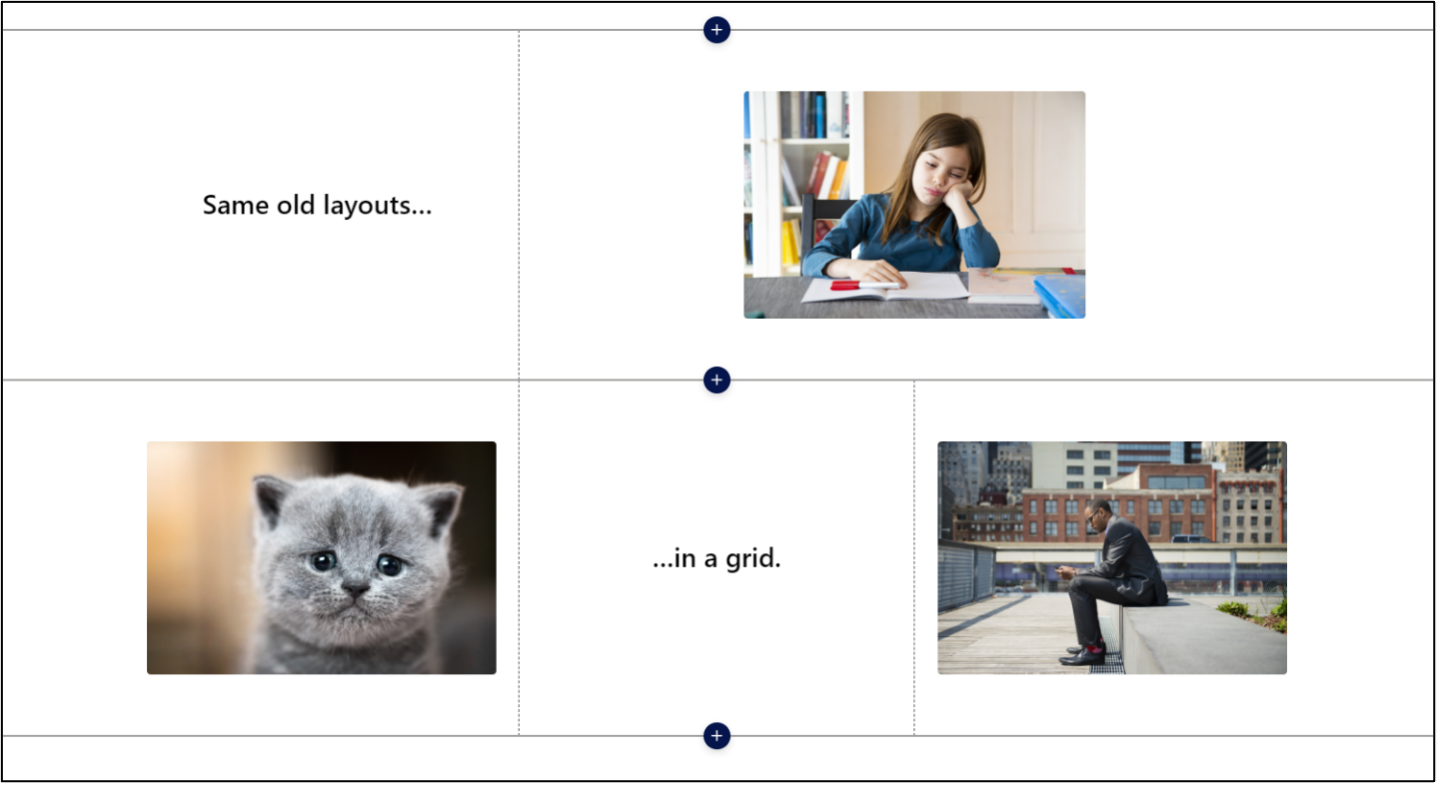
Same place, same thing, right? Not anymore with SharePoint’s new:
Flexible Sections!
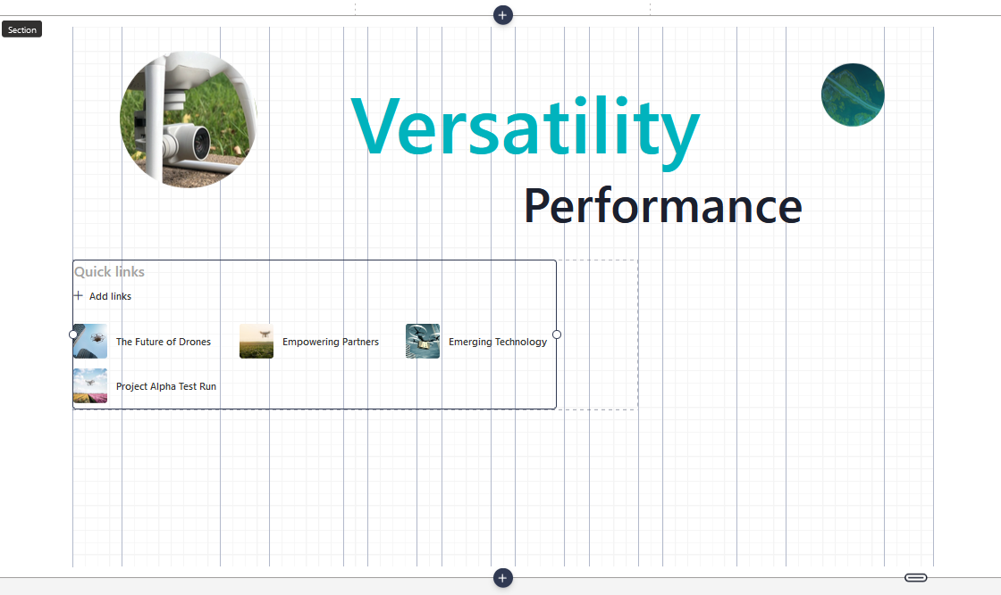
Flexible Sections in SharePoint are a major step toward design friendly page creation. You can now break out of the traditional section and column-based structure to create more visually compelling pages that better align with your brand identity.
With Flexible Sections you can:
- Place web parts freely within the section.
- Overlap web parts for layered visual effects.
- Resize web parts to emphasize key content.
- Control the height of each section for better spacing.
- Choose how web parts reflow on mobile devices.
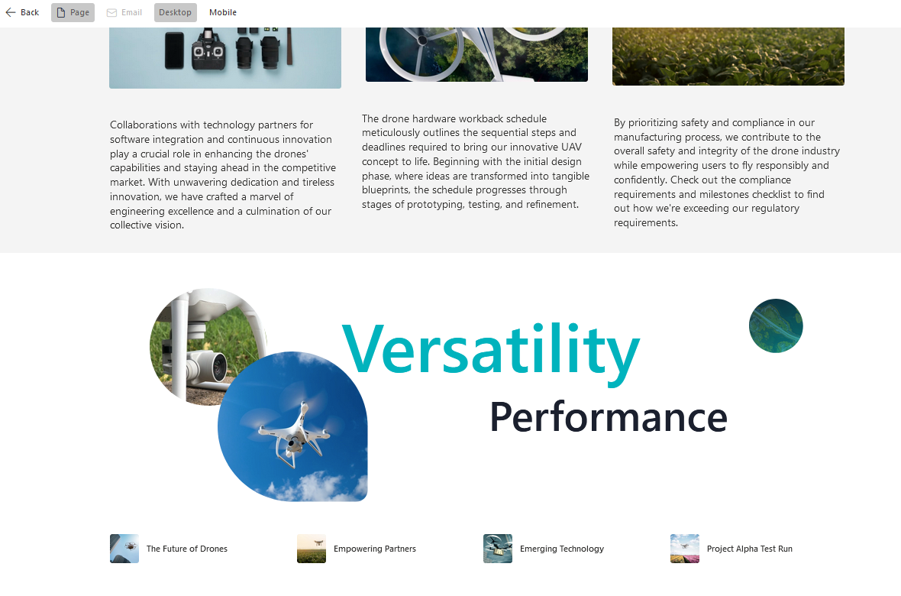
These features give you the ability to create layouts that effectively put the spotlight on your most important content. Your intranet doesn’t need to be just a bland container for information and resources; it can be a tool to inform, connect and inspire your users:
- News posts can be more dynamic, showcasing key quotes and information.
- Team pages can have images and text placed in creative ways that reflect your organization’s culture and personality.
- Onboarding resources can be organized in a way that guides users through the content they need.
Things to watch out for
With the freedom that Flexible Sections offer, there are some things you should consider:
- Mobile experience: Even with the reflow options, complex layouts may not look great on phones and tablets. Be sure to test using different screen sizes (maybe use SharePoint’s new Preview feature?).
- Web part limitations: Some web parts may not be as flexible as others. For example, the News and Quick Links web parts have a minimum width that limits how they can be presented. Also, 3rd party web parts may not behave as expected in flexible sections.
- Updated training and design guidelines: With their newfound design options, page creators may fall into decision paralysis or get stuck endlessly iterating on a layout. You may also find that your pages no longer have a cohesive look and feel. Updating your content creation training and guidelines will help ease the transition into using Flexible Sections.
Keeping these factors in mind, and with a little planning, you can take full advantage of Flexible Sections to build SharePoint pages that are intuitive, consistent, and look great.
Ready to take your intranet to the next level?
Partner with Compass365 to create a modern, dynamic SharePoint intranet to communicate with your employees. We have a proven program designed to get you up to speed on the modern SharePoint experience and launch a new, intelligent, and functional intranet your users will love.
Contact us today to schedule a free strategy session.