For many organizations, SharePoint has been the foundation of collaboration for over a decade. But if your environment still relies on the classic experience, you’re likely limiting usability, mobility, and integration across your digital workplace.
SharePoint modernization is not simply a visual upgrade. It is the strategic shift from legacy, classic SharePoint experiences to the modern capabilities available in SharePoint Online and Microsoft 365. And it is where Microsoft continues to invest.
What SharePoint Modernization Really Means
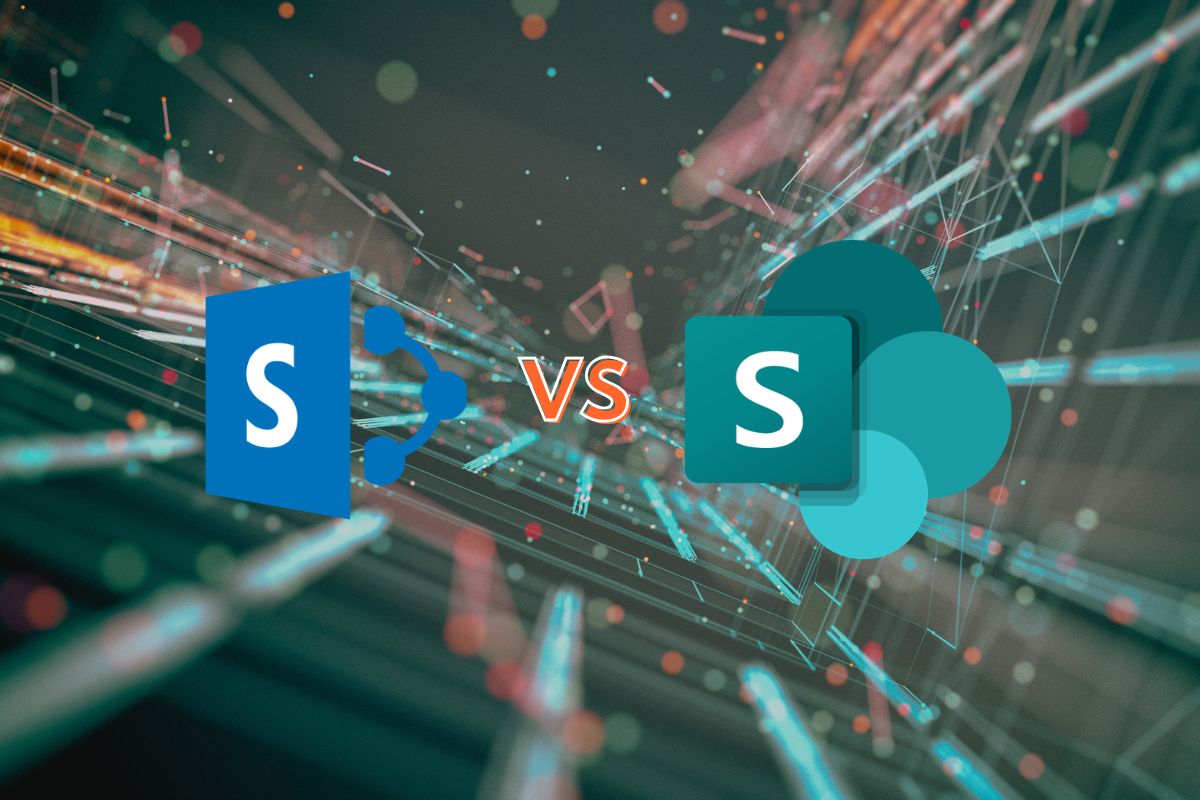
Classic SharePoint includes legacy team sites, wiki pages, and older list and library experiences originally designed for on-premises environments. While functional, they often rely on ribbon-based navigation, custom master pages, and heavy configuration.
SharePoint modernization replaces those legacy elements with:
- Modern team and communication sites
- Responsive pages and web parts
- Modern lists and document libraries
- Microsoft 365 Group-connected sites
This transition creates a simpler, faster, and more integrated user experience. For more details on the differences, visit SharePoint Classic and Modern Experiences.
Improved User Experience Drives Adoption
One of the primary drivers behind SharePoint modernization is usability. Modern SharePoint offers a cleaner interface and streamlined navigation. Page authoring is intuitive, layouts are flexible, and web parts are designed to work without heavy customization. Instead of maintaining fragile branding or custom code, organizations can leverage built-in design frameworks that are easier to manage and govern. When collaboration tools feel modern and intuitive, user adoption increases and support costs decrease.
Many organizations start their journey by conducting a formal Microsoft 365 assessment and roadmap to identify legacy site structures, outdated customizations, and opportunities to modernize.
Mobile-Ready by Design
Classic SharePoint was not built for today’s hybrid workforce. Many legacy sites struggle to function smoothly on phones and tablets. Modern SharePoint, however, is fully responsive. Pages, lists, and libraries automatically adjust across devices and integrate seamlessly with the SharePoint mobile app. Whether employees are in the office, on the manufacturing floor, or working remotely, they can securely access content from anywhere. For organizations prioritizing flexibility and frontline enablement, SharePoint modernization directly supports those goals.
Stronger Integration and Compliance Across Microsoft 365
SharePoint modernization also unlocks deeper integration across the Microsoft ecosystem. Modern team sites connect to Microsoft 365 Groups, aligning membership and permissions across tools like Microsoft Teams and OneDrive. Files shared in Teams are stored in SharePoint libraries. Automation and business processes extend naturally through Microsoft Power Automate and Microsoft Power Apps.
A strong modernization initiative also improves modern SharePoint document management, aligning permissions, retention policies, and compliance controls with Microsoft 365 best practices.
Rather than operating as a standalone system, modern SharePoint becomes the content engine powering collaboration, automation, and governance across Microsoft 365.
Aligning With Microsoft’s Future Roadmap
Microsoft continues to innovate in the modern SharePoint experience. New features, performance enhancements, and integrations are delivered there first. Classic experiences remain supported, but they are no longer the focus of product investment.
Organizations that delay SharePoint modernization risk growing technical debt from legacy customizations and limited access to new capabilities. SharePoint modernization is also foundational to building an AI-ready SharePoint environment ensuring content is structured, governed, and secure before introducing Microsoft 365 Copilot.
Modernization ensures your environment remains aligned with Microsoft’s roadmap and evolving best practices.
The Business Case for SharePoint Modernization
At its core, SharePoint modernization is about enabling better work. It improves user experience, supports mobile access, simplifies governance, and strengthens integration across Microsoft 365. More importantly, it positions your organization for long-term scalability and innovation.
If your organization is still operating in a classic environment, now is the time to modernize. Our team helps organizations design and execute a phased SharePoint modernization strategy that improves usability, governance, and long-term scalability.